
Demo Runs in your browser, nothing to install
Try Markerlist right here.
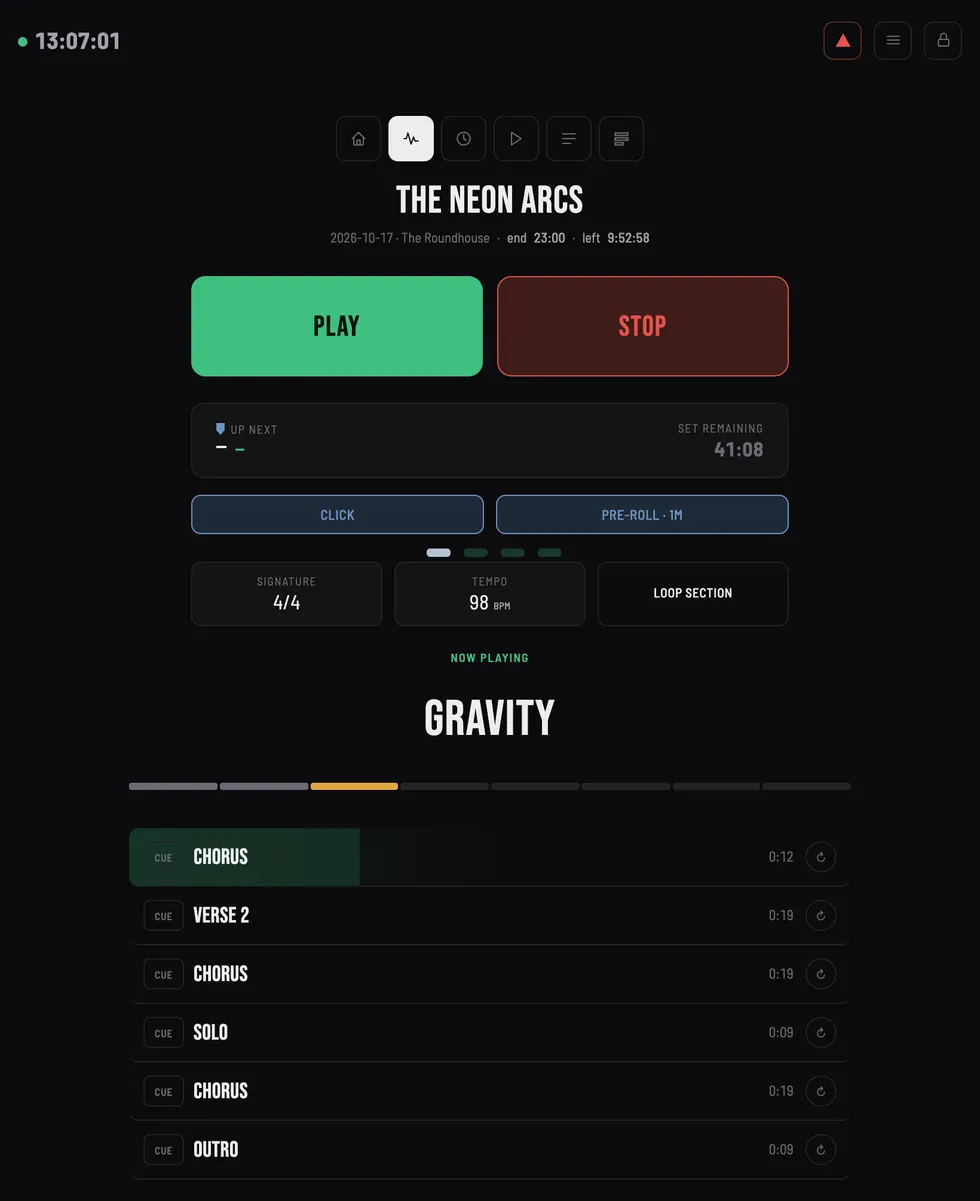
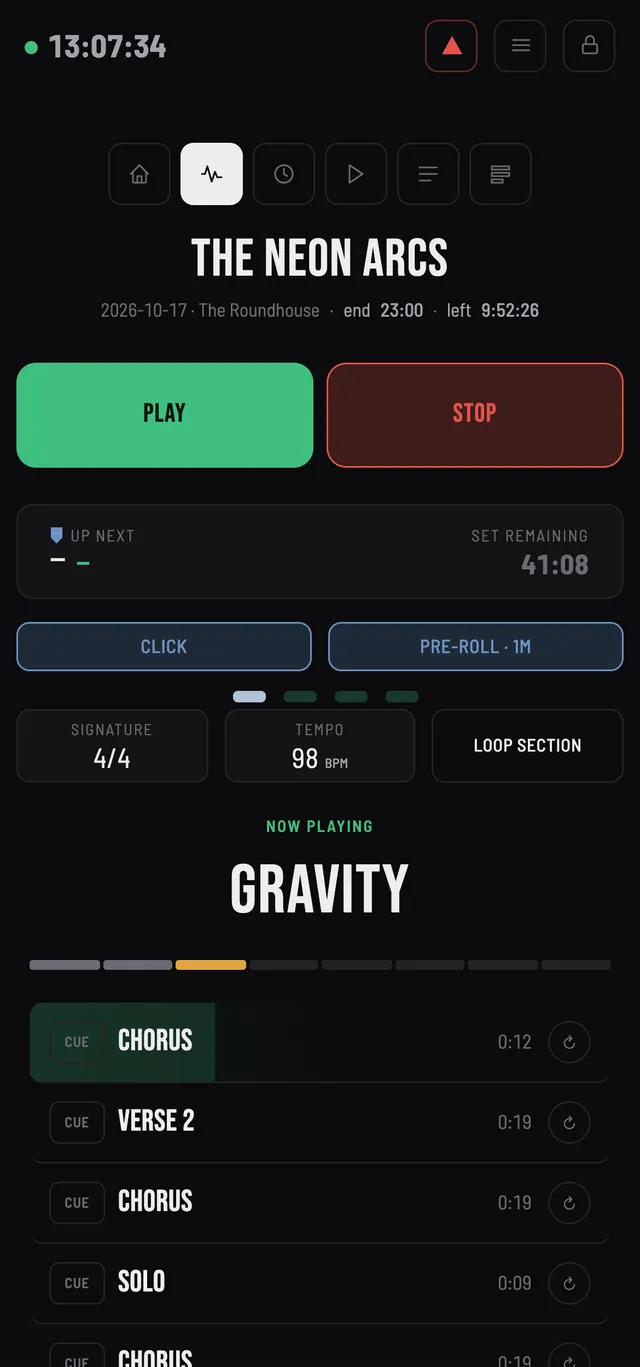
This is the real Markerlist tablet screen, connected to a small simulated Ableton set instead of yours. Press PLAY, jump to another song, loop a section.
It works on a phone, a tablet or a computer. There is no Ableton: your browser plays the three songs and the voice announcements, and the Sound button turns them off (on an iPhone, switch off silent mode). It is a simulation, and nothing you do here is sent or saved.
The same screen as on a real tablet, on a simulated set of three songs.
Five things to try
Each one is a gesture you would make on stage.
- Press PLAY
- A one-bar count-in shows on screen, then the first song starts, with sound. STOP stops it.
- Jump to a song
- Tap Gravity in the list, whether the set is playing or stopped. The set jumps there.
- Loop a section
- Open the Live view, the waveform icon at the top. Tap the loop icon of a section: once, twice, endless, then release. Tap a section further down and its loop is prepared: it starts when the song gets there. The voice announces the next section a few bars ahead and says where the loop stands: Loop, One more time, Last time.
- Chain two songs
- A song normally stops at its end. Tap the padlock at the top right to edit the list, then tap the arrow of a song to play straight into the next one.
- Mute a track
- Open the menu at the top right, then Ableton Tracks. Mute or solo a track while the song plays: you hear it drop out, and the main level at the top follows.
What is simulated, what is real
In this demo
- A small set of three songs, simulated in your browser tab.
- No Ableton: your browser produces the sound of the three songs, one track per instrument, and plays the voice announcements.
- Nothing is sent or saved. Close the tab and it is gone.
- Features reserved for higher plans in the app, such as section loops and cue, are all open here.
In Markerlist
- Your own Ableton Live set, read from your locators and sections. Your project is never modified.
- Windows or Mac, with every edition of Ableton Live 11 and 12.
- A phone, a tablet, a computer or a MIDI pedal, on your local Wi-Fi.
- A free trial with no account and no credit card.
Try it with your own set.
Download the free trial and run a real rehearsal with it. No account, no credit card.
Free, with no time limit: sessions of up to 15 minutes, a pause of 5 minutes between them, up to 5 sessions per 24 hours. Windows or Mac, with every edition of Ableton Live 11 and 12.
- macOS and Windows 10/11 · Ableton Live 11/12 (Intro, Lite, Standard, Suite)
- Doesn't require Max for Live
- Local network recommended for live use
- Coming soon: support for an additional DAW